
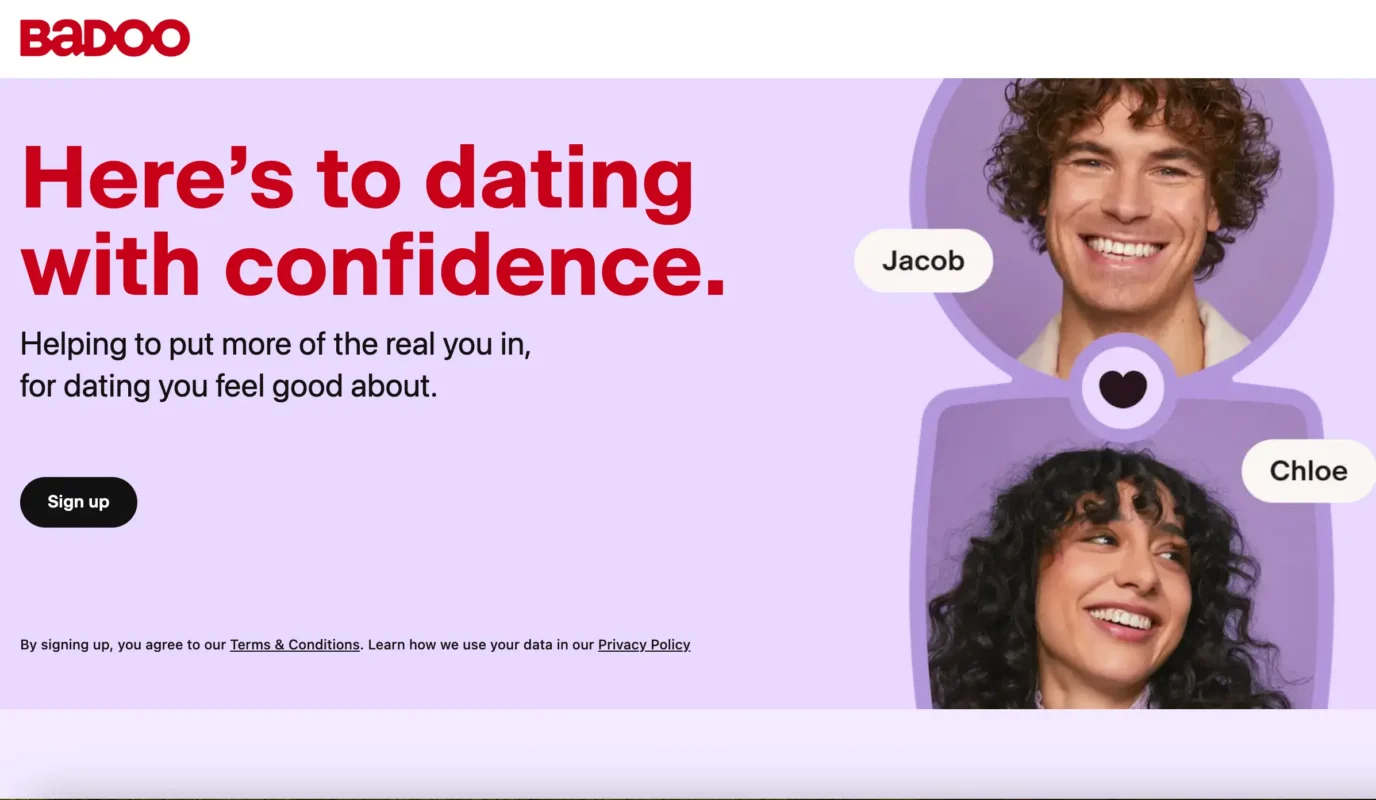
Badoo is one of the largest social discovery and online dating networks in the world. Founded in 2006 by entrepreneur Andrey Andreev, Badoo grew into a global platform before becoming part of Bumble Inc. Today, Badoo operates across more than 190 countries and is available in over 45 languages, serving hundreds of millions of registered accounts worldwide.
While apps like Tinder focus heavily on fast matching and Hinge focuses on prompt-driven long-term relationships, Badoo combines classic geolocation dating with social networking elements. It is popular across Europe, Latin America, and parts of Asia, serving singles looking for everything from casual dates and local friends to long-term partners.
| Key aspect | Platform details | What it means for you |
| Primary user intent | Casual dating, relationships, local friends, casual chat | A very diverse crowd with varied dating goals. |
| Core matching mechanics | Encounters (swipe-matching) and People Nearby (grid browse) | You can swipe or browse profiles directly based on proximity. |
| Interface access | iOS app, Android app/APK, Badoo Web (desktop and mobile browser) | Full functionality on phones, tablets, and desktop computers. |
| Free functionality | Browsing, mutual matching, limited daily direct chats | You can chat with mutual matches without paying. |
| Paid upgrades | Badoo Premium, Premium Plus, and Badoo Credits | Paid perks let you see who liked you, boost visibility, or message popular profiles. |
How does Badoo work and what does the interface look like?
The Badoo app interface and Badoo website (badoo.com) use a purple-themed layout marked by its signature heart logo icon. The platform splits browsing into two primary discovery modes:
- Encounters mode: Functions like a standard dating card deck. You view one profile at a time, see their photos, bio, and interests, and tap the heart icon to like or the cross icon to pass. If both users like each other, an instant match notification appears.
- People Nearby mode: A scrollable grid showing active users in your immediate geographic vicinity, ordered by distance. You can tap any profile card to view their gallery, inspect mutual interests, or send a direct greeting without waiting for a mutual swipe.
- Badoo Moods: An interactive status feature inside People Nearby where users display an emoji and a short intent tag (such as grabbing coffee, taking a walk, or serious dating) to show what they want right now.
The Badoo chat screen
Once connected, the Badoo chat screen provides standard instant messaging along with multimedia tools:
- Text messages, voice notes, and photo sharing.
- Built-in video calling, which unlocks automatically after you have exchanged at least one text message for safety.
- Private detector – an automated safety tool developed by Bumble Inc. that detects and blurs potentially explicit photos before you open them, giving you full control over what you view.
How to sign up, download, and log in to Badoo
Getting started on Badoo takes less than three minutes across mobile and desktop.
Badoo app download and APK
- iPhone (iOS): Download the Badoo app from the Apple App Store.
- Android: Download the official Badoo app from Google Play, or obtain the verified Badoo APK via official Android app repositories.
- Desktop / Mobile browser: Open the Badoo official website at badoo.com for the full Badoo Web interface.
Step-by-step Badoo registration
- Open the app or web portal and click Sign Up (or select Sign In if you already have an account).
- Choose your signup method: mobile phone number, email address, Google account, Apple ID, or Facebook.
- Verify your phone number via SMS code or confirm your email link.
- Enter your first name, date of birth, location, gender identity, and dating preferences (dating, making new friends, or casual chatting).
- Upload at least one clear photo to complete basic onboarding.
Badoo login methods
For returning users, access the Badoo log in screen on mobile or web. You can log in using your registered phone number, email credentials, or one-click authentication (Google or Apple ID). If you forget your password, the login screen provides a one-step recovery link sent via SMS or email.
Badoo search features: how to find people and set filters
Badoo offers more granular search options than many mainstream dating apps.
Setting your discovery filters
From the search and People Nearby tab, you can adjust several parameters:
- Location and distance: Search within your current city or expand your radius up to 100+ miles.
- Age bracket: Set custom minimum and maximum age ranges.
- Dating intentions: Filter for users who explicitly state they want “a relationship,” “something casual,” or “to chat.”
- Interests and lifestyle: Filter by shared hobbies, languages spoken, smoking/drinking habits, and relationship status.
Can you search for a specific person on Badoo?
Badoo does not offer an open username or full-name search bar due to user privacy standards. If you want to find someone specific on Badoo:
- Set your location to their exact town or neighborhood.
- Narrow the age filter to their exact age.
- Scroll through the People Nearby grid.
Badoo profile verification and safety features
Badoo was one of the earliest dating platforms to introduce robust selfie photo verification.
Blue checkmark photo verification
To confirm that users match their pictures, Badoo prompts members to mimic a specific gesture in a real-time selfie (such as touching an ear or making a peace sign).
- Once reviewed by moderation systems (usually within 5 to 20 minutes), a blue verification checkmark appears on the profile.
- You can adjust your discovery settings to interact exclusively with verified profiles, significantly reducing exposure to bots or outdated accounts.
Safety tools inside the chat
- Two-message rule: If you message someone who has not matched with you, you can only send up to two initial messages. If they do not reply, you cannot message them again, preventing inbox spam.
- Selfie request tool: In an active chat, you can tap a button to request a live, real-time selfie from your match before agreeing to an in-person date.
- Screenshot privacy: Badoo restricts or prevents screenshots of private chat windows and media on select mobile operating system versions to protect user privacy.
Free Badoo vs. Badoo Premium: costs and features
Badoo is free to join and use. You do not have to pay to create a profile, swipe, match, or chat with mutual matches. However, the platform offers paid upgrades to enhance visibility and remove browsing restrictions.
Badoo Premium and Premium Plus features
Upgrading to paid tiers unlocks several convenience tools:
- Liked You folder: See every user who swiped right on your profile without having to find them in Encounters first.
- Invisible mode: Browse profiles and the People Nearby grid without appearing in other users' visitor logs.
- Undo votes (Rewind): Reverse accidental left swipes in Encounters.
- Message before match (Crush): Send an introductory message to stand out to popular profiles before matching.
- Ad-free browsing: Removes promotional banners across the web and mobile interfaces.
Badoo pricing breakdown
| Option | Approximate price (USD) | What it includes |
| Free version | $0.00 | Standard Encounters, People Nearby, mutual matching, basic chat. |
| Badoo Premium (1 Week) | ~$5.99 – $7.99 | Short trial of all Premium perks and the Liked You folder. |
| Badoo Premium (1 Month) | ~$19.99 – $25.99 | Full monthly access to Premium tools and unlimited filters. |
| Badoo Premium Plus | ~$29.99 – $34.99 / month | All Premium features plus extra Crushes and higher search placement. |
| Badoo Credits | $2.99 – $39.99 (packs) | Micro-transactions to boost profile visibility in search or send virtual stickers. |
(Note: Badoo adjusts subscription and credit pricing dynamically depending on geographic region, platform store fees, and seasonal discounts.)
Badoo compared to key alternative dating apps
Understanding how Badoo compares to other major platforms helps you choose the right app for your dating goals.
| Dating app | Core matching style | Best suited for | Key difference compared to Badoo |
| Badoo | Encounters swipe + People Nearby grid | Casual dating, social chat, broad local discovery | Combines map/grid browsing with swipe mechanics; massive reach outside the US. |
| Tinder | Pure swipe card deck | Fast-paced dating, casual hookups | Larger North American user base; strictly swipe-based matching. |
| Bumble | Swipe deck (women initiate or Opening Moves) | Respectful casual & serious dating | Focused on female-led messaging with set 24-hour match windows. |
Troubleshooting Badoo: login issues, bans, and privacy
Common Badoo login problems
- Verification code not arriving: Ensure your phone can receive short-code SMS messages, or switch to email verification on the login screen.
- Locked or suspended account: Badoo automatically flags accounts that violate community standards (nudity, commercial promotions, harassment, or multiple rapid IP changes). To appeal a suspension, contact Badoo support via their official help center.
How to avoid scams on Badoo
- External messaging requests: Be cautious of profiles that ask you to move to WhatsApp, Telegram, or external chat platforms in their very first sentence.
- Financial requests: Never send money, gift cards, or crypto investments to anyone you meet on Badoo, regardless of their personal story.
- Check for the blue checkmark: Prioritize chatting with profiles that carry Badoo's verified photo badge.
How to pause, cancel subscriptions, or delete your Badoo account
If you want to stop using Badoo, uninstalling the app from your phone does not cancel an active subscription and does not delete your profile from the public directory.
How to cancel a Badoo Premium subscription
- Apple iOS (iPhone): Open iPhone Settings > tap your Apple ID > Subscriptions > tap Badoo > select Cancel Subscription.
- Android (Google Play): Open Google Play Store > tap your profile avatar > Payments & subscriptions > Subscriptions > select Badoo > tap Cancel.
- Badoo Web / Credit Card: Log in at badoo.com > open Settings (gear icon) > go to Payment Settings > select Unsubscribe.
How to delete your Badoo account permanently
Follow these steps to permanently wipe your profile, photos, and messages:
- Open the Badoo app or log in to badoo.com.
- Tap your Profile icon and open Settings (the gear icon in the top corner).
- Scroll down to the very bottom of the settings menu and select Delete Account.
- Badoo will present alternative options (such as hiding your profile, clearing notifications, or trying Premium for free). Select Delete your account again and tap Continue.
- Choose a reason for leaving, enter your current account password, and confirm the final deletion prompt.
- Your profile, mutual matches, chat history, and uploaded photos will be permanently removed from the system.
Is Badoo worth your investment?
Badoo remains one of the most accessible and functional dating networks in the world. Its biggest advantage is flexibility: you are not locked into a single swiping mechanic, and you can browse nearby singles using the People Nearby grid or swipe through Encounters at your own pace.
The platform provides a solid free experience. Unlike pay-per-minute niche sites, you can match and message other members on Badoo without spending money. Badoo Premium adds useful shortcuts like unblurring who liked you, but it is entirely optional.
If you are looking for an international or locally active dating service with a large user base—especially across Europe and Latin America—and you appreciate clear safety tools like photo verification and blurred media previews, Badoo is a practical, budget-friendly option to add to your dating rotation.
